1Welcome to Heimdall
- Set Up
- Starts Setup in the window.
- Let My Agent Set It Up
- Shows the one line to paste into a coding agent:
Set up Heimdall for me. Run "/Applications/Heimdall Alpha.app/Contents/MacOS/Heimdall" setup --help and follow it.
 HeimdallAlpha
Install Heimdall Alpha on this Mac and set it up for me. Install it with `brew install --cask tobynoskillson/tap/heimdall-alpha` (or from https://github.com/TobyNoSkillSon/Heimdall/releases) and open it. Then run "/Applications/Heimdall Alpha.app/Contents/MacOS/Heimdall" setup --help and follow it. The full reference is https://tobynoskillson.com/heimdall/docs/index.md.
heimdall setup --plan --defaults --jsonheimdall setup --defaults --open-permissions --jsonheimdall setup --wait --jsonExit 2: tell the user each clickheimdall setup --finishWaits for “Heimdall, show me what you can do”The Welcome page’s Let My Agent Set It Up gives a shorter line for an installed app. heimdall here means "/Applications/Heimdall Alpha.app/Contents/MacOS/Heimdall", and Heimdall must be running.
With Homebrew. The cask clears the download flag, so the first launch isn't blocked.
brew install --cask tobynoskillson/tap/heimdall-alphaWithout Homebrew, from the GitHub releases. Replace VERSION with the newest tag, for example 0.1.0-alpha.1.
V=VERSION; cd ~/Downloads
curl -LO "https://github.com/TobyNoSkillSon/Heimdall/releases/download/v$V/Heimdall-Alpha-$V-arm64.zip"
ditto -x -k "Heimdall-Alpha-$V-arm64.zip" /Applications
xattr -dr com.apple.quarantine "/Applications/Heimdall Alpha.app"
open "/Applications/Heimdall Alpha.app"
/Applications/Heimdall Alpha.app, bundle ID com.tobynoskillson.heimdall, about 255 MB to download.brew upgrade --cask heimdall-alpha) or a newer zip; the in-app updater is off in this alpha.One window, fourteen pages, Back and Continue. Setup ends when every required check is green and you say one sentence to Heimdall.
Downloads or installsOnly you can do it
Set up Heimdall for me. Run "/Applications/Heimdall Alpha.app/Contents/MacOS/Heimdall" setup --help and follow it.
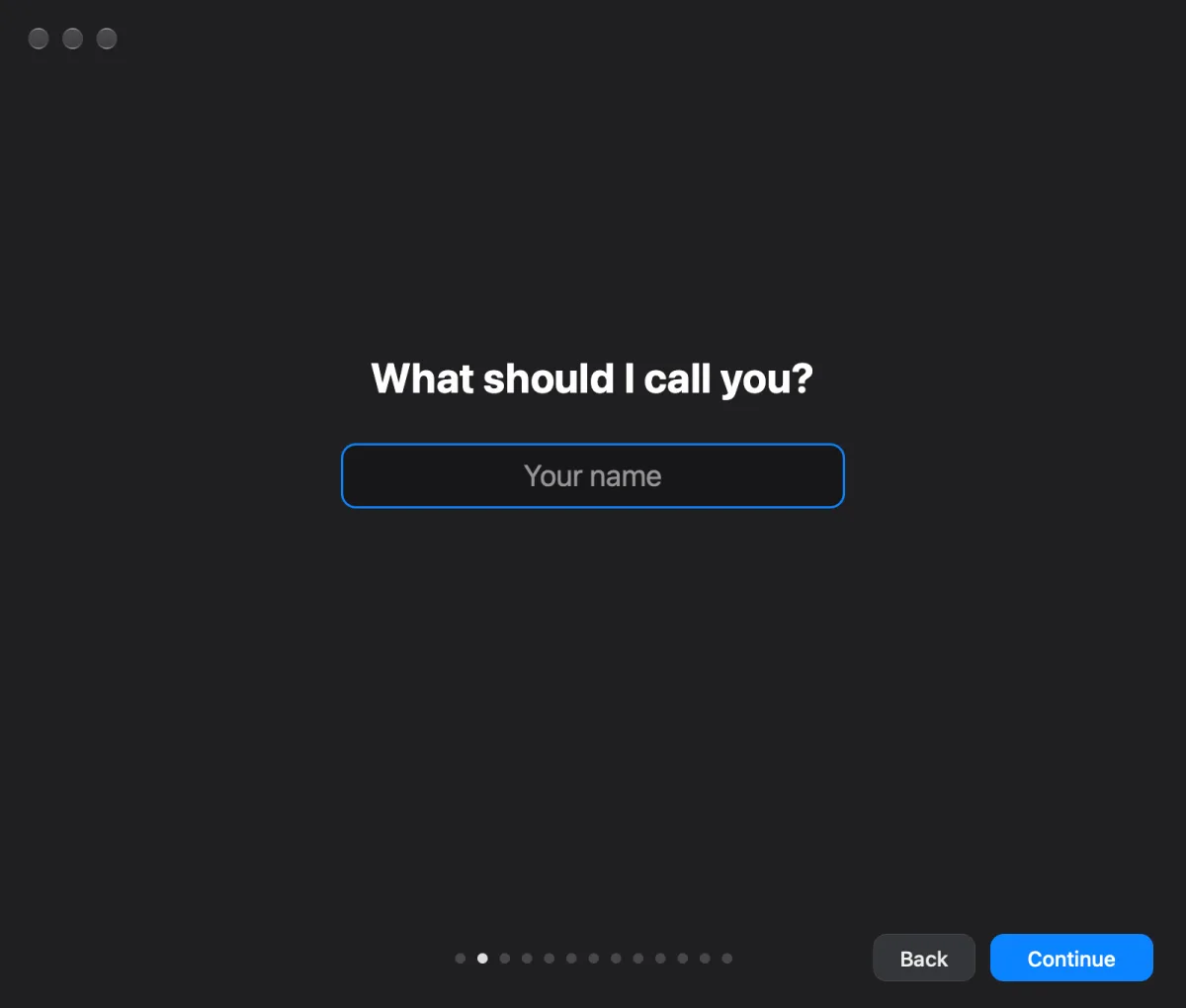
Pick the agent that answers you. There is no default. The first one connected becomes the agent; a later one only adds its models.
/models list must answer; its first runnable model becomes the agent’s.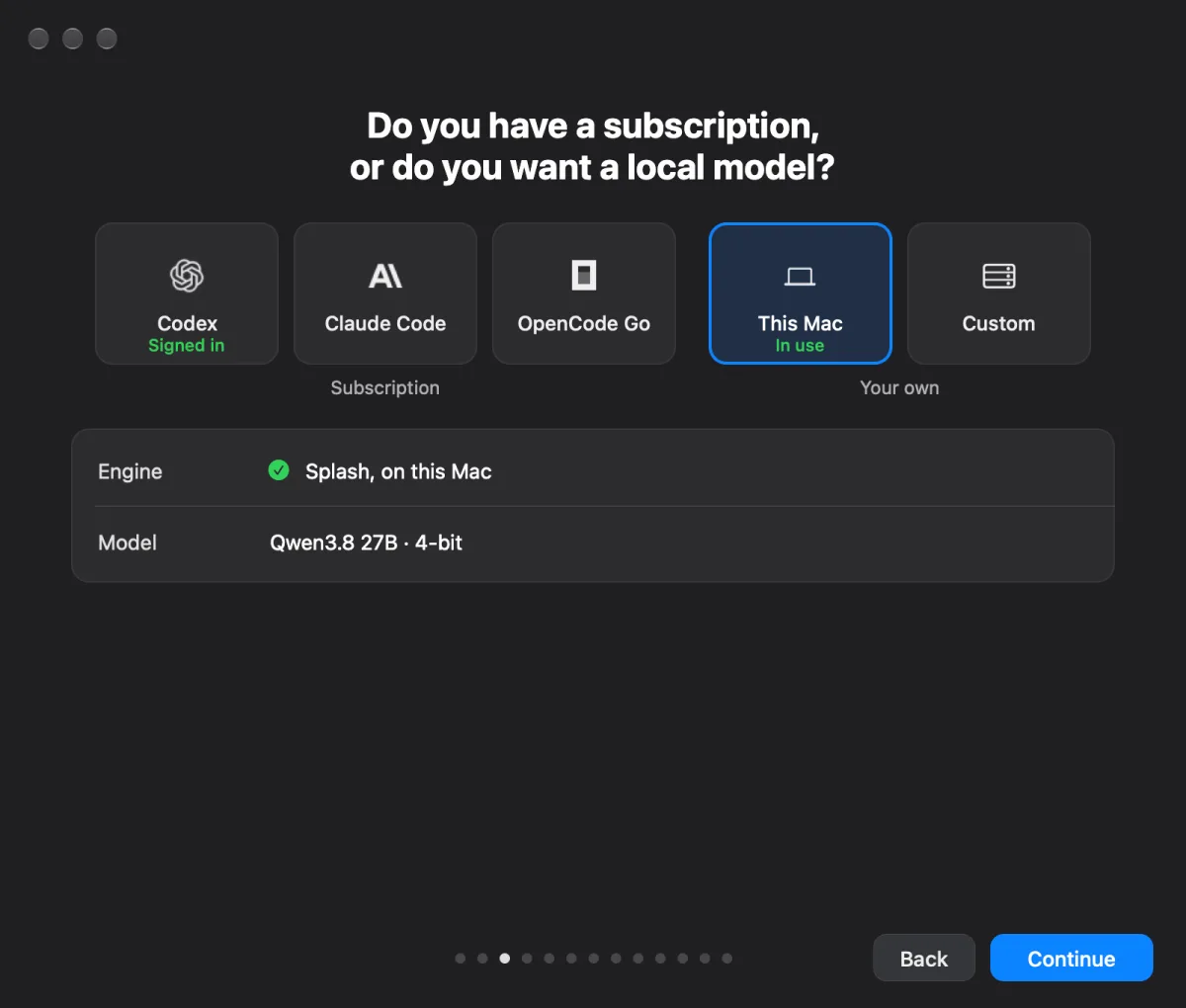
| Precision | Disk | RAM | Same answer as 16-bit |
|---|---|---|---|
| 4-bit default | 1.37 GB | 2.4 GB | 474 of 500 |
| 8-bit | 2.10 GB | 3.1 GB | 495 of 500 |
| 16-bit | 3.48 GB | 4.2 GB | 500 of 500 |
Continue here starts the model downloads. They keep going while you finish Setup.
Spoken replies are in English.
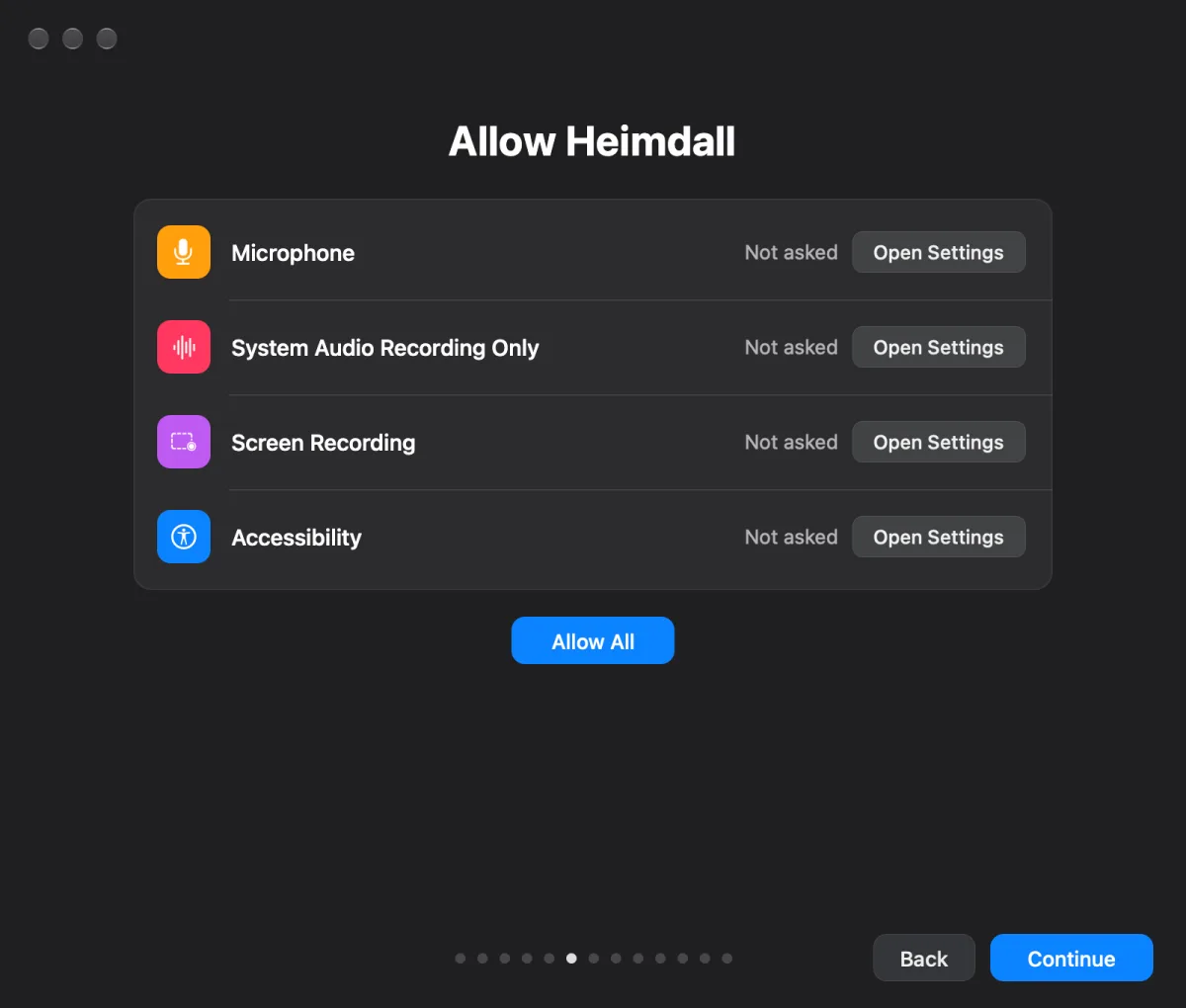
Only you can do this. macOS lets no program, and no agent, grant these. Allow All asks for each in turn; Open Settings opens one pane. When a macOS prompt closes, Setup comes back to the front.
| Permission | Your click |
|---|---|
| Microphone requiredHears you through every microphone. | Click Allow in the macOS prompt. Plug one in if there is none. |
| System Audio Recording Only optionalHears other apps, such as Discord and Chrome, without recording the screen. Joins listening whenever it’s allowed, later too. | Click Allow in the prompt macOS shows after Allow All or this row. |
| Screen Recording optionalTakes the screenshot when you say “look at this”. | System Settings ▸ Privacy & Security ▸ Screen Recording: turn on Heimdall Alpha. macOS may ask to reopen it. |
| Accessibility optionalReads Discord’s speaker names and who is speaking. | System Settings ▸ Privacy & Security ▸ Accessibility: turn on Heimdall Alpha. |
Optional rows read Optional until allowed and never hold Setup back. Listening runs on the microphone alone.
Also only yours: approving a subscription sign-in in the browser page Heimdall opens; running claude in a terminal once if Claude Code was never signed in; T3 Code’s Connect (or --t3 connect, your yes given to your agent).
~/.heimdall.<folder>/.heimdall; Move and Restart moves them and reopens the app.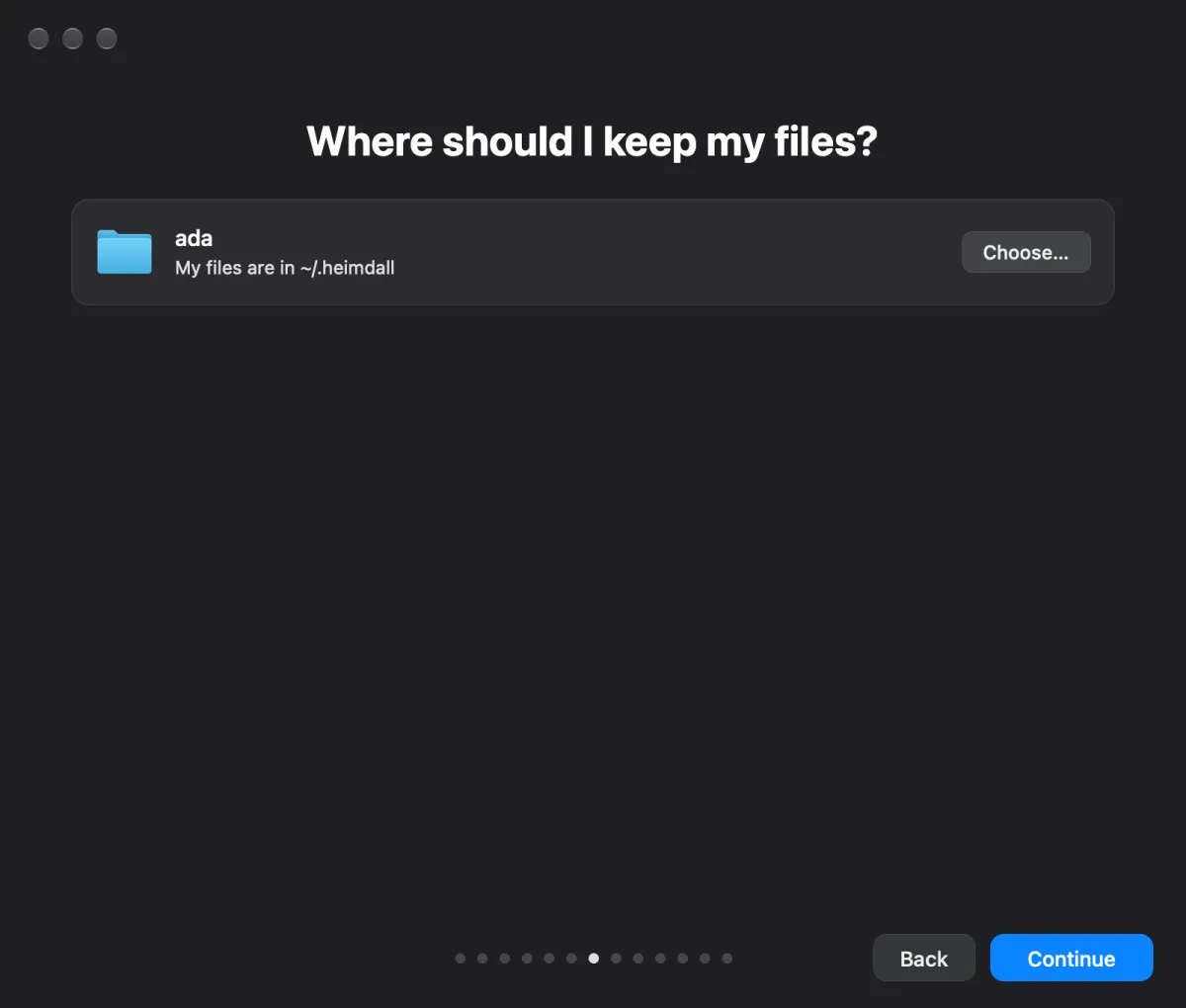
T3 Code runs the coding tasks Heimdall hands out. With Claude Code picked in step 3, this is already done.
/Applications or ~/Applications is used as it is. Older shows “Needs 0.1.0 or later”.github.com/pingdotgg/t3code into ~/Applications. No admin password.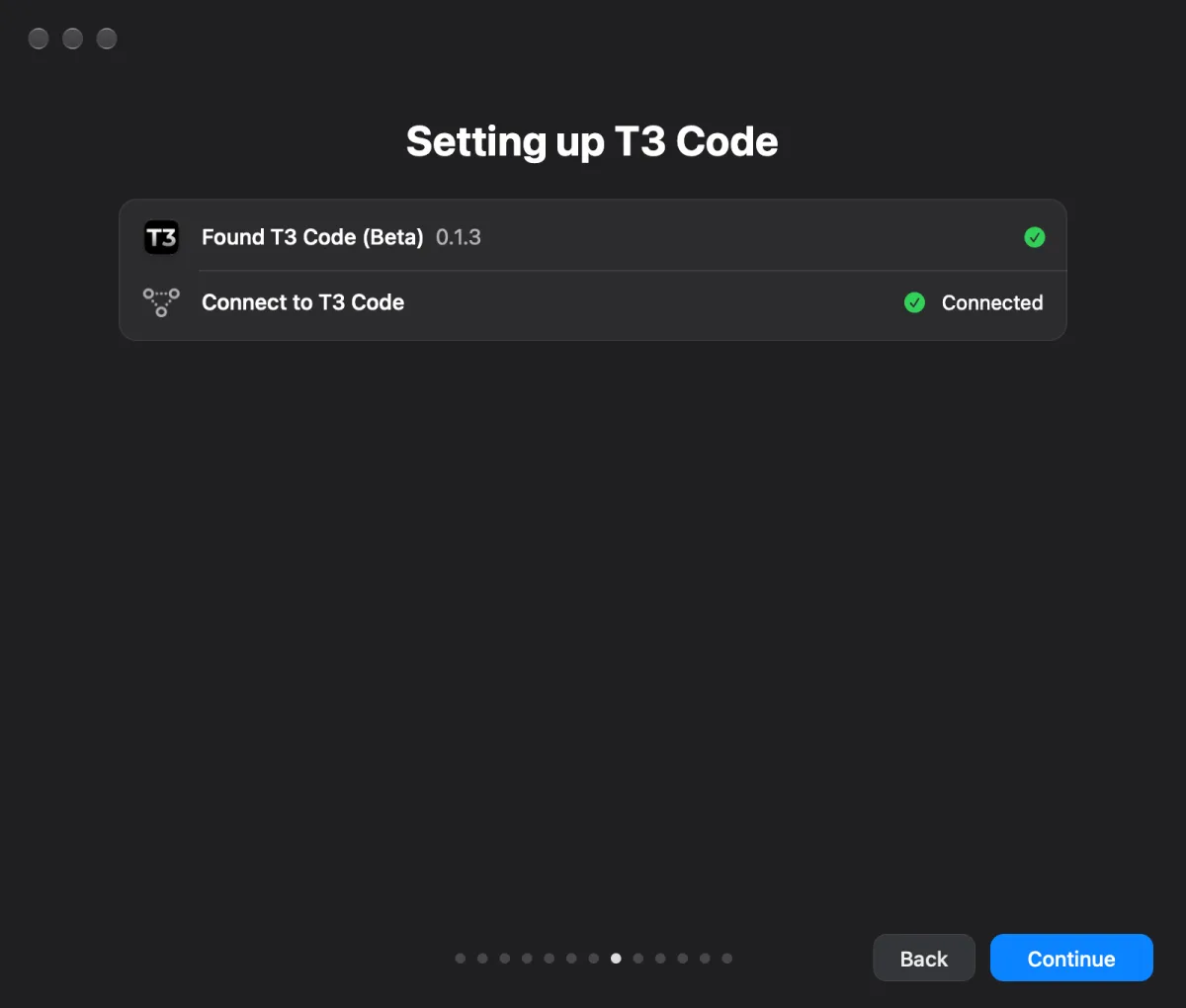
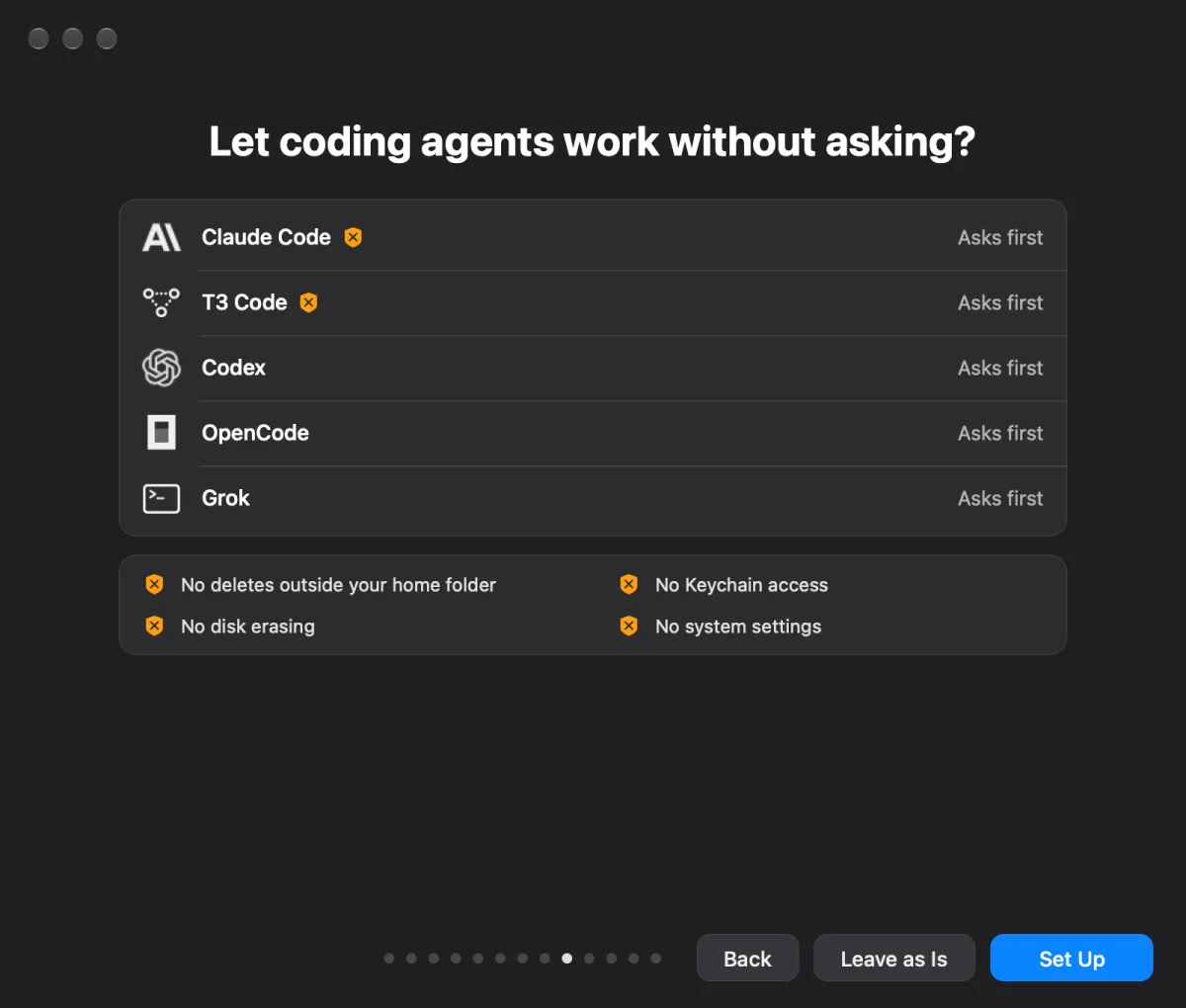
Nobody watches the jobs Heimdall starts, so a permission prompt would stall them. This page lists the coding agents on your Mac: Claude Code, T3 Code, Codex, OpenCode, Grok.
brew install --cask tobynoskillson/tap/vella: hold a key and talk into any text field. It shares Parakeet, so nothing more downloads. Without Homebrew the button reads Get Vella… and opens its page.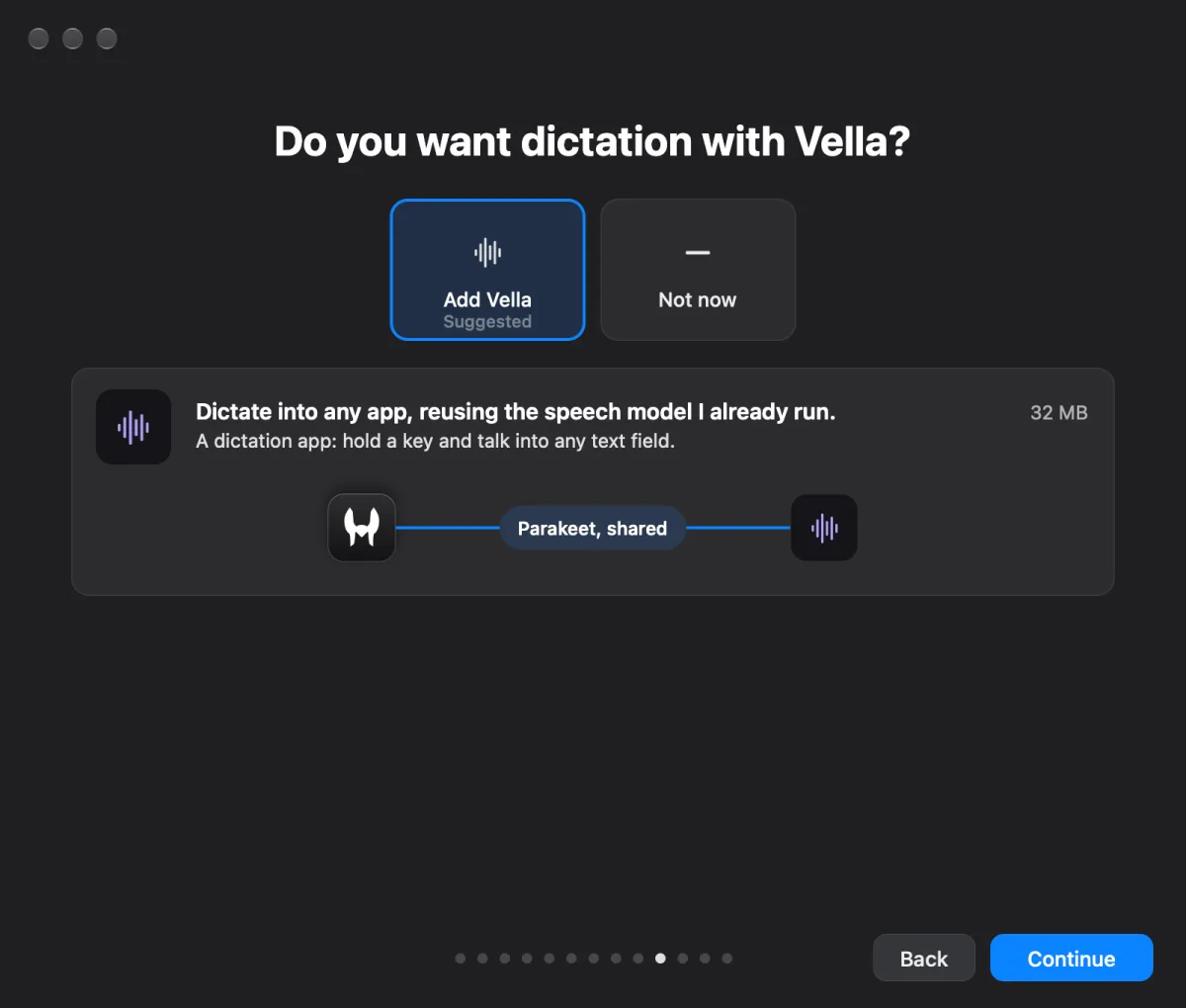
brew install --cask tobynoskillson/tap/arsenal: 102 local models Heimdall can call as tools, for transcription, voices, documents, translation, images, vision, sound and embeddings. Models download only when a job needs one.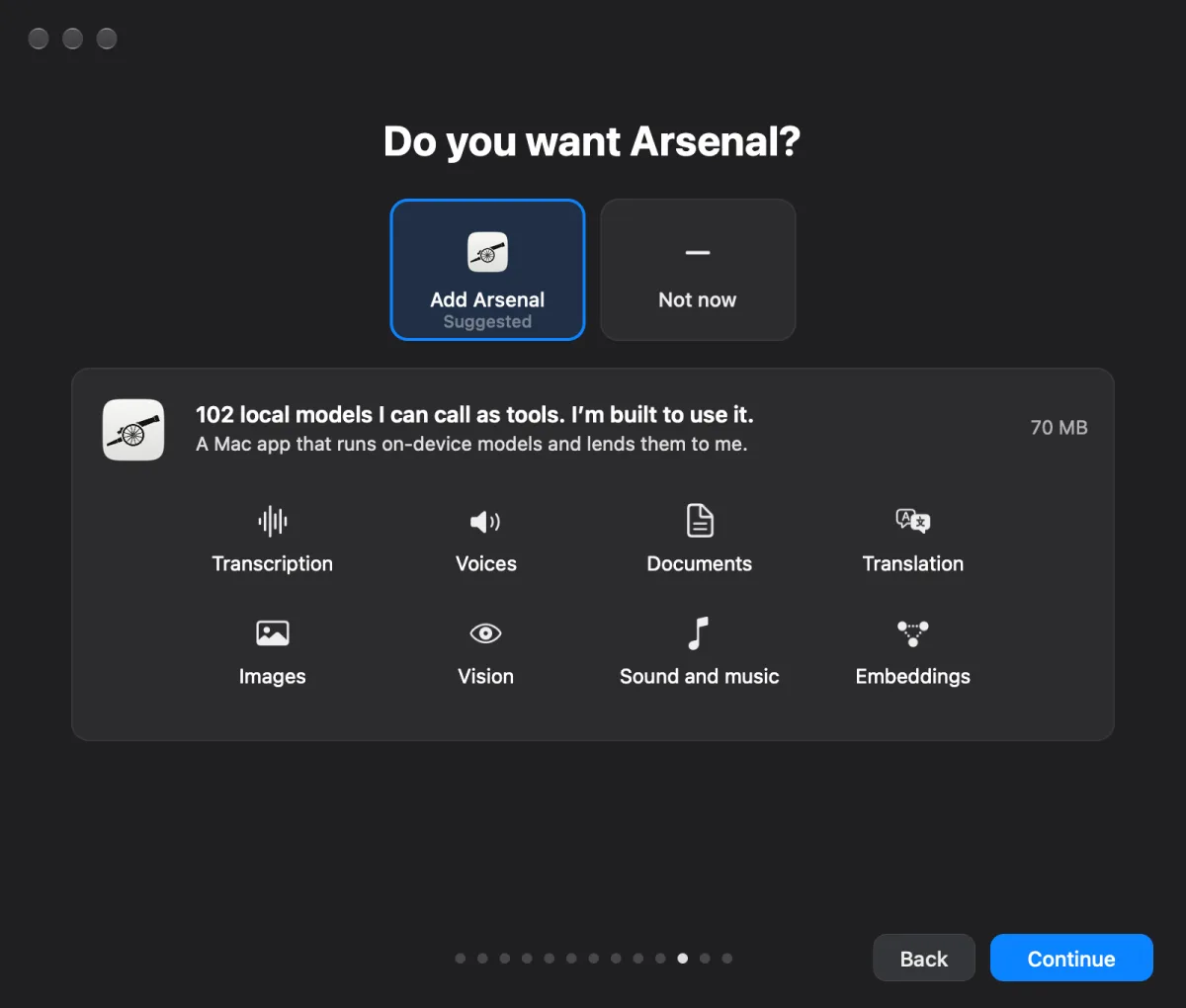
A checklist, one row each; a red row says why and offers its fix. There is no Start button: once every required row is green, the last step is yours to say.
| Row | Green when | Fix |
|---|---|---|
| Each model | Downloaded, SHA-256 matched | Retry |
| This Mac’s model | Downloaded and loaded, when chosen | Retry |
| Microphone | Sound from the chosen input in the last five seconds; ten seconds of silence turn it red | Choose…, Retry |
| Voice | Phonon S loaded with your voice | Retry |
| Listening | Parakeet loaded, listening running, Microphone green | Allow… |
| Decider | Downloaded, SHA-256 matched, loaded and answering | Retry |
| Agent | One real request answered | Choose…, Sign In…, Retry |
| Memory search optional | Indexed; needs 8 GB free memory, else “Needs 8 GB free memory” in grey | |
| System audio optional | Shown only while its permission is out or denied | Allow… |
Approve the ChatGPT sign-in in the browser page Heimdall opens.
Through T3 Code, installed and connected for you. Needs claude signed in once.
Approve the device sign-in in the browser page Heimdall opens.
Splash with Qwen3.8 27B. 17.4 GB download, about 20 GB of free memory.
OpenAI- or Anthropic-compatible URL, and a key if it needs one.
Getting ready’s Agent row turns green only after one real request to the agent’s model is answered. Each provider bills on its own; Heimdall never falls back from one to another.
The app carries the small models (Phonon S, voice detection, turn taking). The rest comes from the official Hugging Face repositories at pinned revisions, checked by SHA-256, into <home>/.heimdall/models. One at a time, resumed after a dropped connection, retried by itself after a failure.
| Model | Repository @ revision | Size | For |
|---|---|---|---|
| Parakeet | FluidInference/parakeet-ultra-coreml @ 95eaa59a | 632 MB | Listening |
| Speakers | nvidia/Nemotron-3-Diarization @ f667ed73soniqo/ReDimNet2-B6-ONNX-FP32 @ e911e3f0 | 158 MB | Who is speaking |
| Decider, 4-bit | Toby-NoSkillSon/heimdall-d1-v6 @ c015ecf6, int4/ | 1.37 GB | When to answer |
| MossFormer2 | ipsilondev/MossFormer2-SS-16K-ONNX @ abd8b126 | 91 MB | Separating voices |
| EmbeddingGemma 2 | google/embeddinggemma-2 @ 914f7f89 | 1.53 GB | Memory search |
| At the defaults | 3.78 GB | ||
| Decider, 8-bit or 16-bit | same repository, int8/ or bf16/, instead of 4-bit | 2.10 / 3.48 GB | If chosen |
| Qwen3.8 27B, 4-bit | huihui-ai/Huihui-Qwen3.8-27B-abliterated-GGUF, UD-Q4_K_XL | 17.4 GB | This Mac only |
| T3 Code | github.com/pingdotgg/t3code, newest stable | If missing | |
| Vella · Arsenal | Homebrew casks in tobynoskillson/tap | 32 · 70 MB | If added |
These are Getting ready’s rows; heimdall setup --check reads the same list, with the phrase as its last row. Memory search and System audio are optional and never hold Setup back.
The command is the app itself: "/Applications/Heimdall Alpha.app/Contents/MacOS/Heimdall" setup, written heimdall setup here. Heimdall must be running: the command hands its choices to the app, which applies them through the Setup window’s own actions, and reads back the window’s checklist. There are no setup tools on Heimdall’s MCP server; agents use the command.
heimdall setup --help | The short guide for agents: the one question, the commands, the user’s clicks. |
heimdall setup --plan [flags] [--json] | What would happen: provider, downloads and sizes, the user’s clicks. Changes nothing. |
heimdall setup --defaults [flags] [--json] | Applies the defaults; any flag given takes precedence. |
heimdall setup [flags] [--json] | Applies only the flags given. |
heimdall setup --check [--json] | Getting ready’s checklist, now: the models, Microphone, Voice, Listening, Decider, Agent, and last the phrase row, which only the user can turn green. |
heimdall setup --wait [--timeout SECONDS] [--json] | Repeats the check until all green, a row needs the user, or the timeout (default 1800). |
heimdall setup --wizard | Opens the Setup window. |
| Flag | Values | Default | Step |
|---|---|---|---|
--provider | claude-code · codex · opencode-go · local · custom | see below | 3 |
--custom-url URL | the server’s base URL | 3 | |
--custom-kind | openai · anthropic | openai | 3 |
--custom-key-env VAR | the name of the environment variable holding the key | none, keyless | 3 |
--user-name TEXT | your name | none | 2 |
--decider-precision | 4 · 8 · 16 | 4 | 4 |
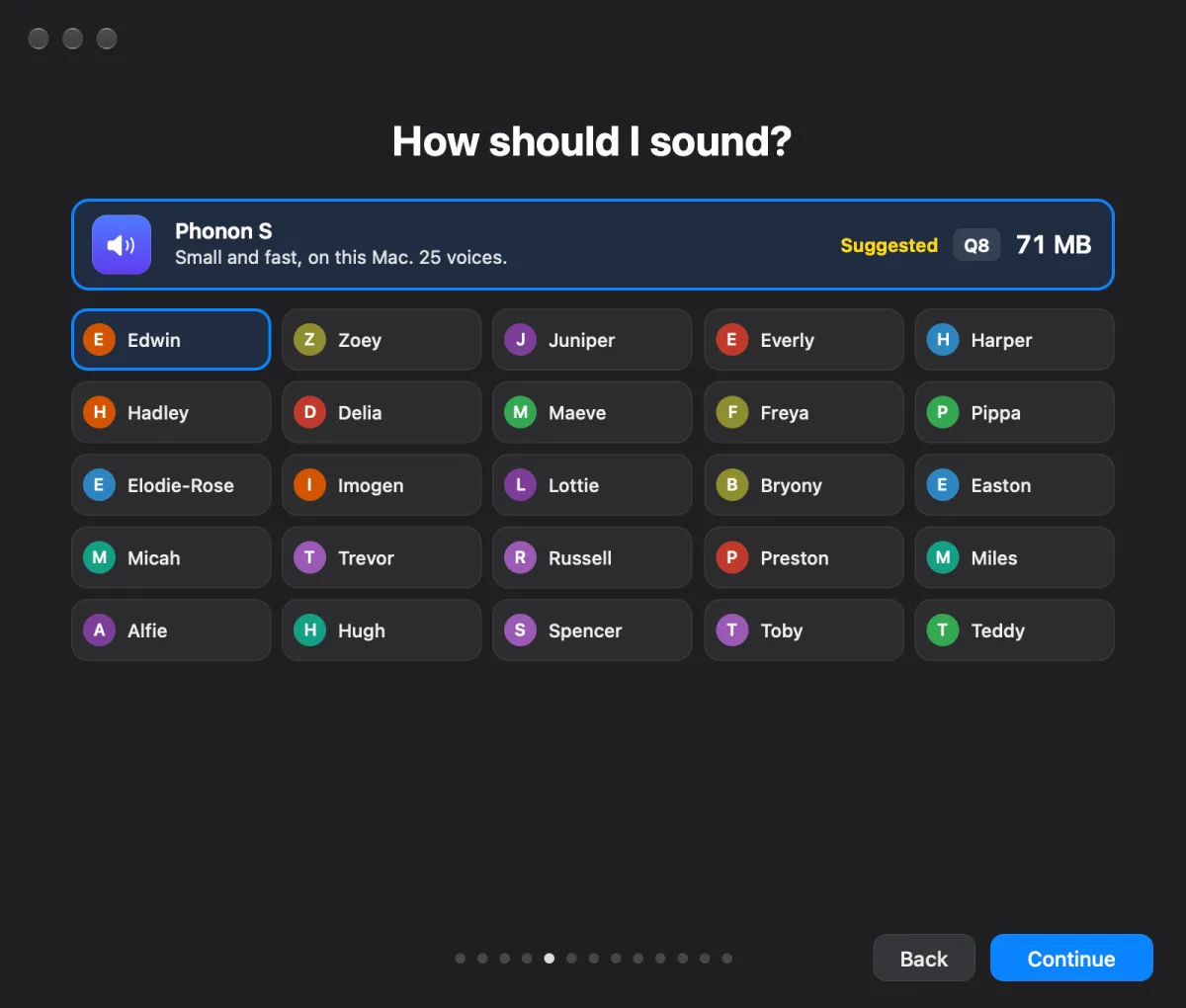
--voice NAME | one of Phonon S’s 25 voices | Edwin | 5 |
--open-permissions | Allow All: the macOS prompts appear for the user | 6 | |
--home PATH | an existing folder | the current one | 8 |
--t3 | connect · skip | connect with Claude Code | 9 |
--harnesses | set · leave | leave | 10 |
--vella, --arsenal | add · skip | skip | 11, 12 |
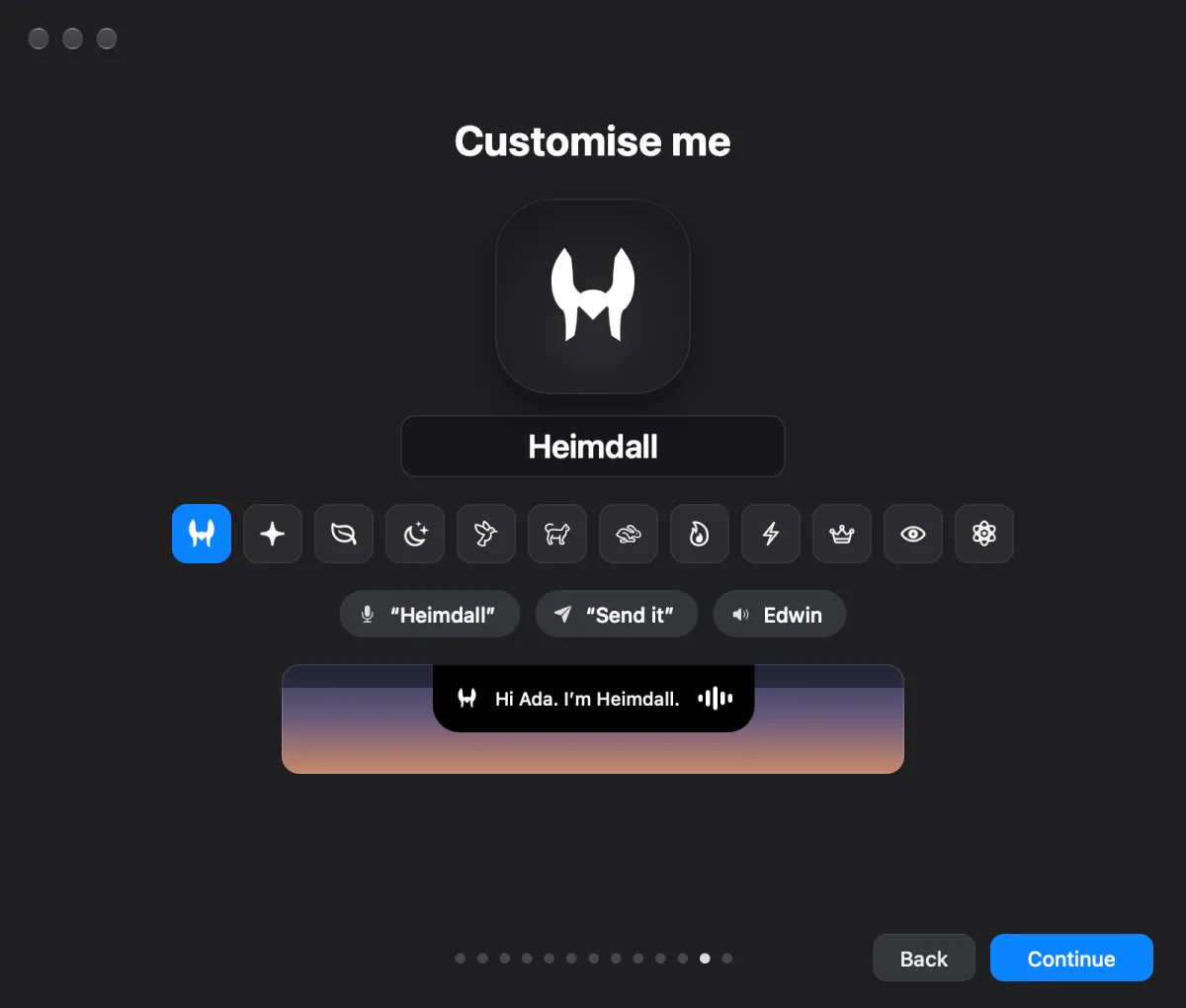
--name TEXT | the assistant’s name and wake word | Heimdall | 13 |
--mark NAME | helmet sparkle leaf moon.stars bird cat hare flame bolt crown eye atom | helmet | 13 |
--finish | Once every row but phrase is green, waits (up to --timeout, default 1800 s) for the user to say the phrase; exit 0 when they have, 2 if not green yet or timed out | 14 | |
--json | one JSON object per line |
--defaultsCLAUDECODE=1): claude-code.CODEX_HOME or CODEX_SANDBOX set): codex.--provider.0 | All green (--check, --wait), or the choices were handed to the app |
2 | Needs the user: a click, a sign-in, the one question, or the phrase. detail says which. |
4 | A provider or key failed |
1 | Anything else: Heimdall not running, a bad flag, still working |
With --json, each line is {"step", "state", "detail"}, state done, working, needs_user or failed (planned under --plan); the checklist rows come last as "step": "ready:<row>", with state ready, working, needs_user, failed or optional. With only ready:phrase left, tell the user to say “Heimdall, show me what you can do” (with the assistant’s name), then run --finish. A key never goes on the command line: --custom-key-env takes the variable’s name.